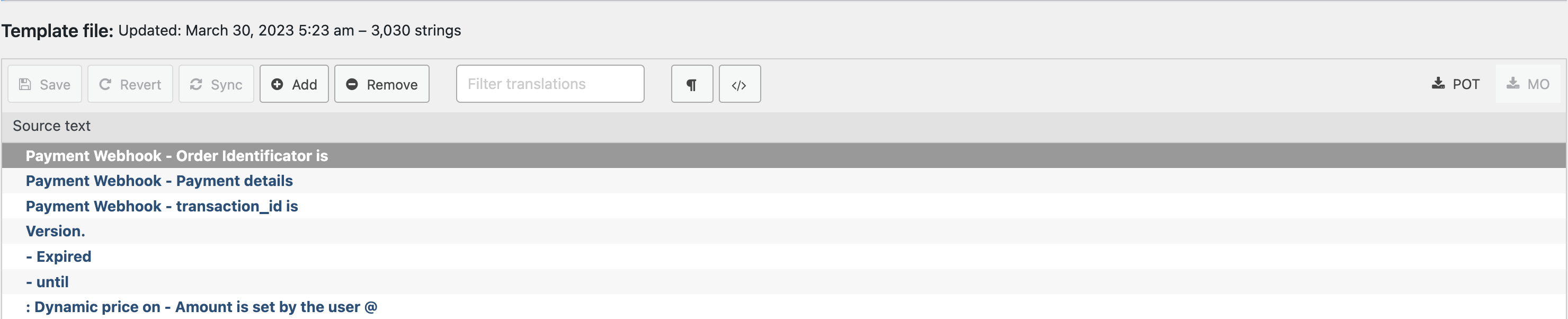
If you are translating Ultimate Membership Pro to another language using Loco Translate, but you noticed that not all of the strings are available, the cause may be that the language file is not synchronized with the original template file. In order to do this, please go to Loco Translate > Plugins > Indeed Ultimate Membership Pro > Template file. Then translate the strings that you wish, click Save then Sync. Now the strings should be visible in your language file as well.
*Also, keep in mind that part of the existent strings and custom messages are directly manageable from the UMP Dashboard interface and not via language files. So look into UMP Dashboard first for all available options.
Leave a Reply