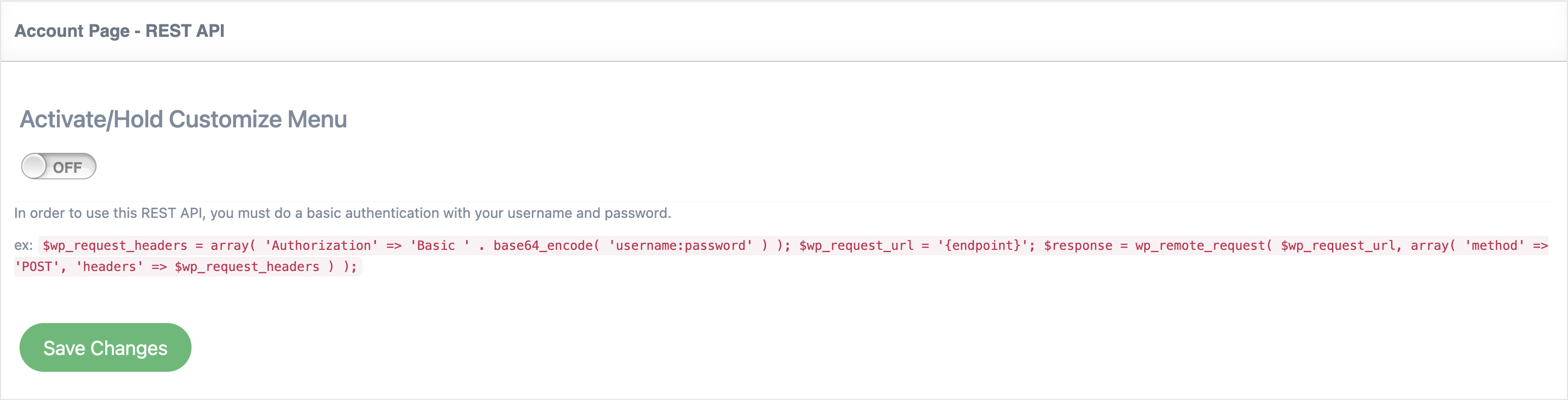
With the help of this feature, you can make API calls to access information from UAP for your website. You can generate a hash key, this provides access to the membership system.
To activate this feature go to UAP Dashboard -> Extensions -> REST API.
For each API Call, you have an example API Link that you must edit yourself, the available parameters, and what this call returns.
Example: For Approve affiliate we have one argument available: affiliateId. In the API link, you must replace the affiliateId with the user id of the user you want to verify. In the example link you have https://yoursite.com/wp-json/ultimate-affiliates-pro/v1/approve-affiliate/{affiliateId}, you must replace {affiliateId} with the actual user id, for example, https://yoursite.com/wp-json/ultimate-affiliates-pro/v1/approve-affiliate/10325.
Leave a Reply